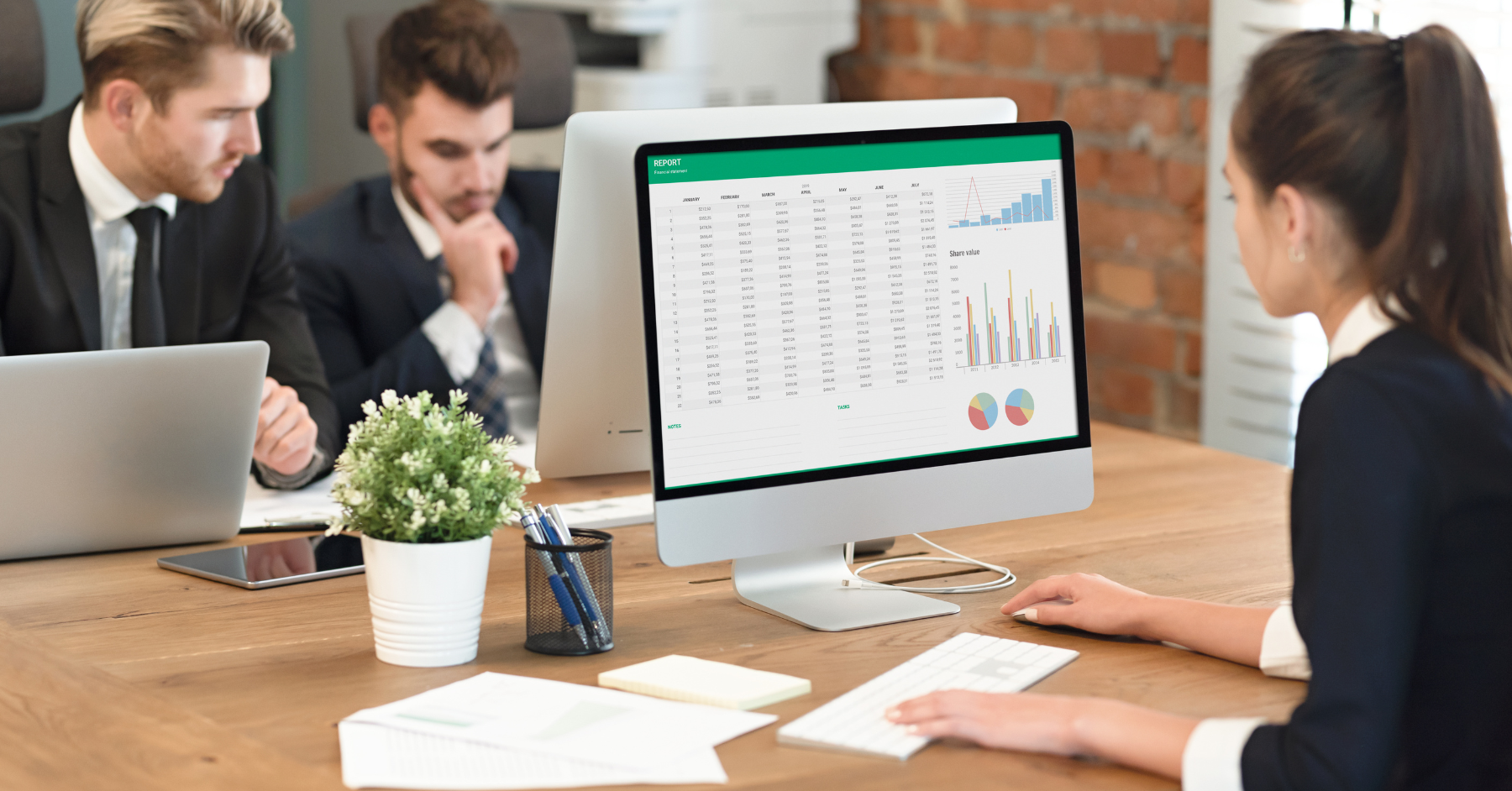


If you can use a free Excel bookkeeping template instead of creating a sheet yourself, do it! You have no good reason to reinvent the wheel multiple times if one already exists. We have found so many free templates that have served us well right out of the box. Many others needed only small tweaks to suit our needs.
Below, we have a list that we have compiled for you. We hope it covers every major Excel bookkeeping template that you might need for your bookkeeping needs.
Billing Invoice Template
Invoice Simple gives you simple invoice templates for Excel. In a few minutes, you can have a professional-looking invoice to send to clients. You can download them and modify them as you like. They even have a cool online invoice generator if you’re interested. It helps you create easy project invoices that look fantastic.
Invoice Tracking Template
WPS Office, the free all-in-one Microsoft Office Suite, also has templates! We love the concept of an Excel bookkeeping template that tracks invoices. This is an amazing way to keep a clean record of client invoices.
You can check it any time, and quickly send copies to clients whenever they ask for an update on their account. These invoice trackers are designed to help you see information at a glance so you don’t need to spend a lot of time looking.
Employee Timesheet Template
Some companies may not need them, but if you don’t have sophisticated software, employee timesheets are great. We like these Smartsheet ones because they offer many options with varied design and functionality. You can choose one that suits your needs and your branding!

Cash Book Template
We like to keep our cash book templates simple because it’s all about knowing if we have any more cash on hand. ExcelDataPro’s templates are perfect for this. They have a nice aesthetic, but don’t distract from what’s important.
We find that having a cash book template is particularly important because we can throw the numbers in there and easily make corrections where necessary while keeping constant tabs on what the balance looks like.
Business Expense Template
Monday.com has really cute templates for tracking business expenses. I absolutely love the color coding. It’s not for everyone, but if you like to code different items in color, definitely check this one out.
Their templates cover the details of not only how much you spent, but what you spent on and who made that purchase, and even why they decided to do it.
You can use a sheet that tracks specific company expenses, or give you a detailed overview of the business’s expense history. You can even use one per category, like office equipment, travel expenses, and company outings.
Statement of Account Template
Beginner-Bookkeeping has a statement of account template that most clients appreciate. It is very simple and professional-looking, so they see what they need to see without any distracting frills.
I love that they offer a free PDF printable, if you prefer that to the standard Excel bookkeeping template format. Spreadsheet123 also has a simple accounting statement template that has more of a modern look to it.
Inventory Tracking Template
We had to go with the original Microsoft for these absolutely vital templates. Inventory tracking templates can save you a ton of time and even save your business. That is, if you don’t have sophisticated software that keeps everything on record for you.
Note that you never what to trust the cloud completely. So, that software should also allow you to download reports whenever you want, and even remind you to do it periodically.

Accounts Receivable Template
We enjoy Cloudfront’s simple yet detailed template for tracking accounts receivable. Jetpack offers a slightly more designed template. This accounts receivable sheet has a Google Sheets counterpart, too, if you want to keep online backups. This ledger is the perfect counterpart to your invoice trackers. This way, you never lose sight of what you’re owed, even when you offer credit with different payment terms.
Accounts Payable Template
Business Accounting Basics has a very clean accounts payable ledger. The no-nonsense format will lift the confusion of when to pay supplier invoices. Of course, accounting software can help you with this, but it’s not free.
Using a template is free, and you can take notes and sort and filter the data to see what you need to see. The Excel Downloads accounts payable template has a slightly more modern design, but it’s still very easy to use. The additional line shading can help you avoid skipping to the wrong item when your eyes are tired.
12-Month Cash Flow Forecast Template
The Excel Dashboards 12-month cash flow template is the neatest one I know of. These types of sheets can get messy because of all the data contained in them. This makes me appreciate the simplicity of their version.
Score’s cash flow forecast sheet is also quite clean, and comes with instructions on how to use it. You always want to have this data on hand as one of your basic business financial statements.
Balance Sheet Template
Your balance statement is another fundamental to have on hand. Similar to the cash book, we like a balance sheet that we can quickly correct if the bottom line is wonky.
We like the templates from Vertex42 and CFI. They’re both simple and easy to use. Vertex designed their template for small businesses and has the common financial ratios already in there. It makes doing two-year comparisons easy.
CFI has almost two million professionals learning accounting, financial analysis, modeling, and more. Their balance sheet template gives you the foundation that you can adjust to suit your business’s financial statement.
Of course, you’ll have the basic total assets, liabilities, and shareholders’ equity. Although their template looks simple, you can trust them to do it right. They also have free courses you can look into.
Profit and Loss Template
This is the third of the most basic financial statements that you need to keep. Wise offers a very clean profit and loss template for small business needs. It also works for sole proprietorships.
The Spreadsheet Page has detailed and summary profit and loss sheets. It has versions for different business types, too, which is really useful. For example, there’s one for self-employes versus small business and even a real estate-specific template.

Simple Cash Flow Template
I love the clean flow and design of the Spreadsheet.com cash flow statement. The format is monthly. This is what I would choose to use when preparing a statement for a client or shareholder.
It is certainly simple and doesn’t hurt the eyes. The cash flow template from Xlteq is in a yearly format. This is what I would use to track cash flow over time for my own business or for a client.
Quarterly Cash Flow Projections Template
If you want a very simple cash projection sheet, I would go with the template from The Wallace Foundation. It even has a full set of instructions for use that comes with the template. It has some color that helps direct the eyes, but not so much that it can be distracting.
Excel-Skills.com has a similar aesthetic to their cash flow projection templates, just a different orientation. Sometimes, the angle from which you view data matters!
Note that not all versions of these templates are free. You can, however, download free samples that should do fine for most of your business needs.
Income Statement Template
I’m going to two of the top accounting software companies for this one. Intuit, which gives us QuickBooks, has a super clean income statement template. I love this one for how it’s set up to track increases or decreases from one period to another.
For tracking one year to the next or more periods in one glance, I like to use the FreshBooks income statement sheet.
Expense Report Template
The Teampay expense report templates impress me. They have templates that range from the simplest designs to highly detailed record keeping tools. This reflects the type or purporting that you might need.
For example, you can have a really plain mileage log sheet because that’s all you need. For tracking travel expenses, though, they provide a more detailed one that involves color-coding. This way, you can differentiate between expense types like accommodations, food, and transportation.
Chart of Accounts Template
We like Double Entry Bookkeeping’s super simple chart of accounts template. Bench also has a very simple one, along with other sheets that complement the chart of accounts very nicely. These include sheets for tracking transactions, your income statement, invoices, and cash flow projections.
Small Business Budget Template
Budget templates vary, depending on what you want to track and how you want to track it. Zapier does an excellent job here with seven budget templates that cover different areas of a small business.
We also love the small business annual budget sheet from HubSpot. This works for both when you’re established or starting out and trying to figure out your budget so you don’t go off the rails. Again, I love how helpful the color coding is!
What Is EcomBalance?

EcomBalance is a monthly bookkeeping service specialized for eCommerce companies selling on Amazon, Shopify, Ebay, Etsy, WooCommerce, & other eCommerce channels.
We take monthly bookkeeping off your plate and deliver you your financial statements by the 15th or 20th of each month.
You’ll have your Profit and Loss Statement, Balance Sheet, and Cash Flow Statement ready for analysis each month so you and your business partners can make better business decisions.
Interested in learning more? Schedule a call with our CEO, Nathan Hirsch.
And here’s some free resources:
- Monthly Finance Meeting Agenda
- 9 Steps to Master Your Ecommerce Bookkeeping Checklist
- The Ultimate Guide on Finding an Ecommerce Virtual Bookkeeping Service
- What Is a Profit and Loss Statement?
- How to Read & Interpret a Cash Flow Statement
- How to Read a Balance Sheet & Truly Understand It
Conclusion
Whatever financial data you need to track in your business, you can find an Excel bookkeeping template for it. We know how much data even a small business needs to track. This is why we highly recommend using templates!