
You’re a seller on eBay and are looking for some financial management help. You’re in luck because we have gathered our top picks for eBay accounting software that help turn any financial woe into a win.
1. QuickBooks
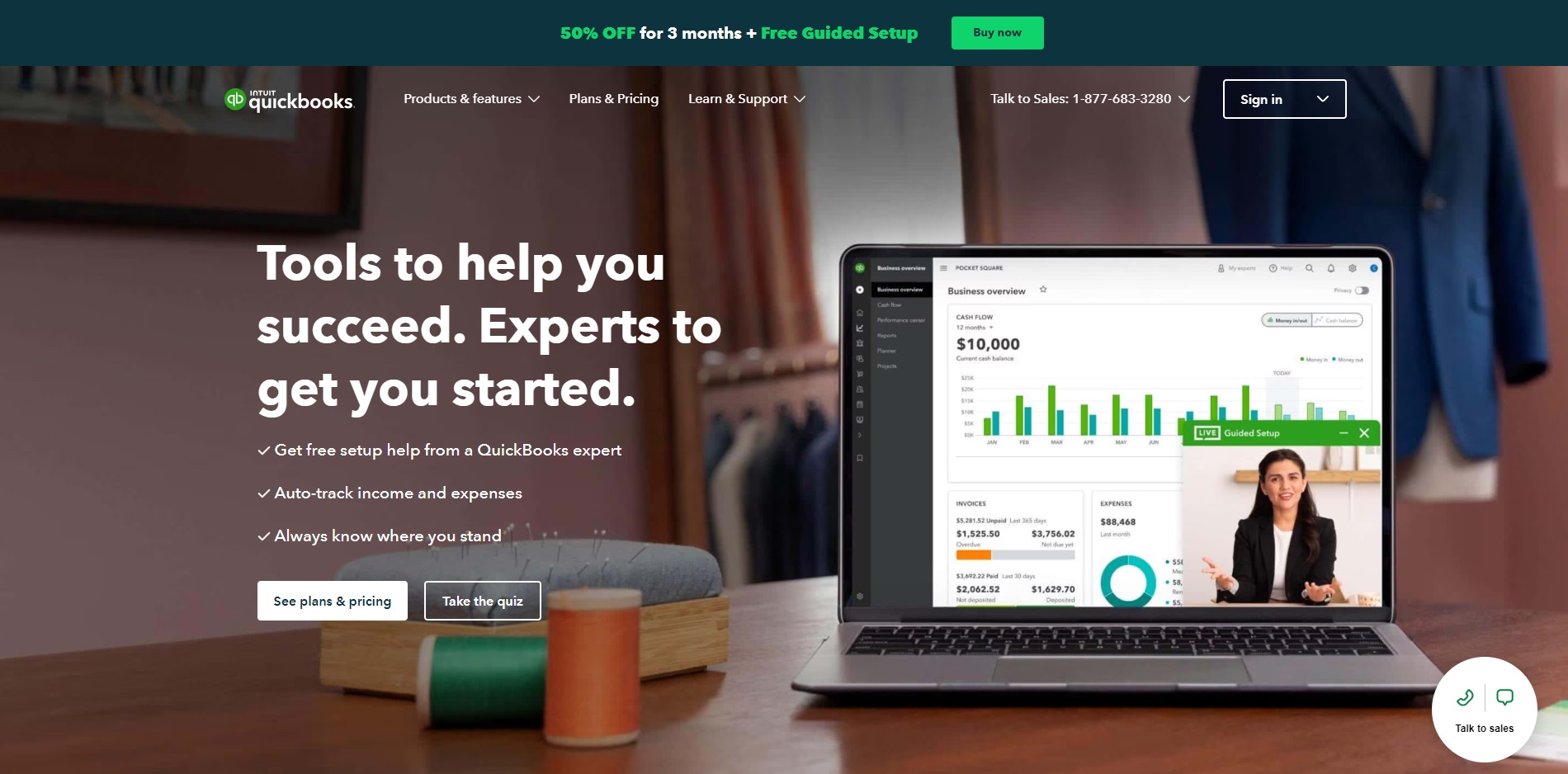
QuickBooks is among the most famous cloud-based financial management and accounting software for small businesses. Their solutions are affordable, easy, and flexible. While they also cater to freelancers and medium-sized businesses, they are a better fit for startups and small businesses. Their solutions include Quickbooks Online and Quickbooks Desktop.
The base plan includes:
- Income and expense tracking with customizable categories
- Real-time dashboards, customizable
- Send custom invoices and quotes
- Automatically sort bank transactions – download and automatically sort transactions, view transactions in real-time
- Track incoming or outgoing VAT
- Generate VAT reports for tax filing
- Accountant access to your books, specific employee access, auto-syncing, user-access levels to keep data secure, and report-sharing
Their more advanced eBay bookkeeping software plans include the above plus:
- Insights and reports
- Project tracking and timesheets
- Multi-currency functionality
- Set up recurring transactions
- Inventory tracking
- Track profits, expenses, etc. by project or location
- Budget management
- Automate workflows and automate backups and restoration
- Customized permissions and access
- Dedicated account team
- Exclusive Premium Apps
2. Xero
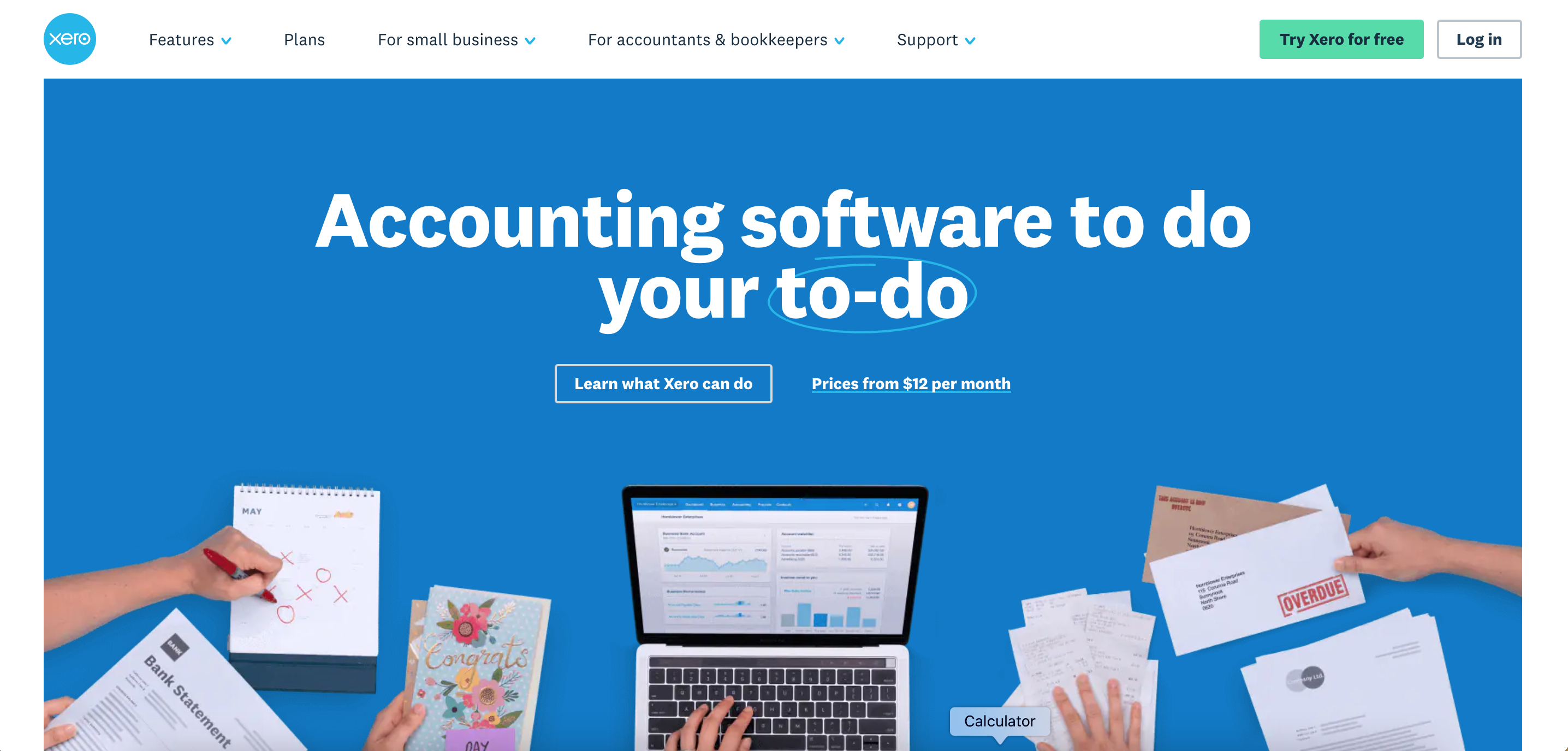
Xero is a cloud-based software system that is also incredibly popular. It is used by over 3 million people in over 180 countries. This eBay accounting software is notoriously easy to use and uses standard double-entry accounting and bookkeeping. This tool is best for startups and small businesses.
Xero leaves out unnecessary accounting jargon that often confuses the average Joe. Xero connects small businesses with their tools and financial advisors.
What you get and what you can do with Xero eBay bookkeeping software:
- Accounting dashboard
- Monitor cash flow and accounts payable in real-time
- Pay bills on time
- Access data anytime online
- Access expense management tools to view spending and claim expenses
- Connect and reconcile bank feeds daily
- Fast, online payments
- Access to project and job tracker software to track costs and profitability
- Maintain basic pay records
- Contact management to see customer or supplier details
- Store files and capture data automatically
- Reporting
- Multi-currency capable
- Inventory tracking software
- Invoicing software
- Purchase order software
- Instantly create and send quotes
- Automatic sales tax calculations
- Xero Analytics to track metrics
- Track fixed assets
- Collaborate with accountant
3. Wave
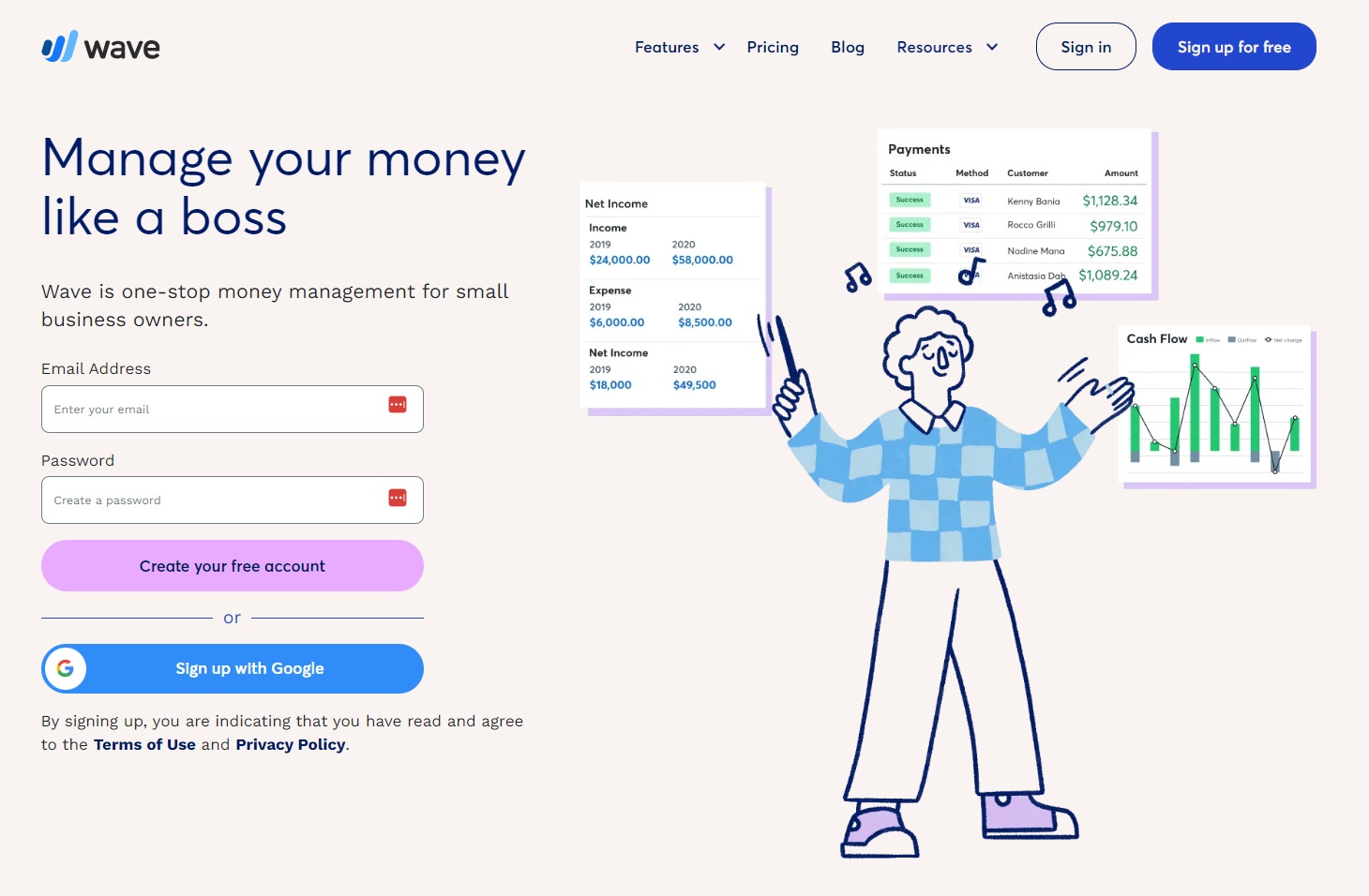
Wave is an all-in-one solution to help small business owners with their money management needs. Their suite includes accounting (double-entry), invoicing, and US-only banking software. These are all completely free, however, they also have optional paid services such as payroll software, payment processing, and personalized bookkeeping.
Access an intuitive dashboard allowing you to view the health of your business all in one place. Because their dashboard was built with ease of use in mind, you can understand it even if you aren’t an accountant. Keep all your information organized and ready so that when tax season rolls around you don’t have a rough time. Need guidance or someone to pass the work to? Get access to a team of bookkeeping, accounting, and payroll experts.
Waves’ eBay accounting software solutions allow you to:
- Connect your accounts instantly and securely with PCI Level-1 certification
- Input receipts automatically
- Track income and expenses
- Track cash flow
- Access accounting reports (monthly and yearly comparison), gain insights and find trends
- Organize your income, expenses, payments, and invoices via their smart dashboard
4. FreshBooks

FreshBooks is an eBay accounting software created for small to medium-sized businesses, freelancers, and accountants. Their flexible solutions grow with your needs. With double entry accounting you can be sure to keep your information accurate, organized, and tax compliant. Their in-depth reporting also allows you to create reports and access actionable insights to make smarter, informed, business decisions.
With FreshBooks, you can:
- Access a customizable Chart of Accounts and expense categories allowing you to keep an eye on your growth daily
- Create and send invoices
- Track and organize expenses/receipts
- Collaborate in one place with FreshBooks Projects
- Work easily with your accountant – give them and up to 10 team members access to your account and let them manage everything there; they can update journal entries and file taxes for you
- Use their automated Bank Reconciliation which allows you to approve, change, and import transactions from your bank account – you can then create and export a report to Excel quickly and easily
- Access a FreshBooks support team to help you with navigating their tools
5. Zoho Books
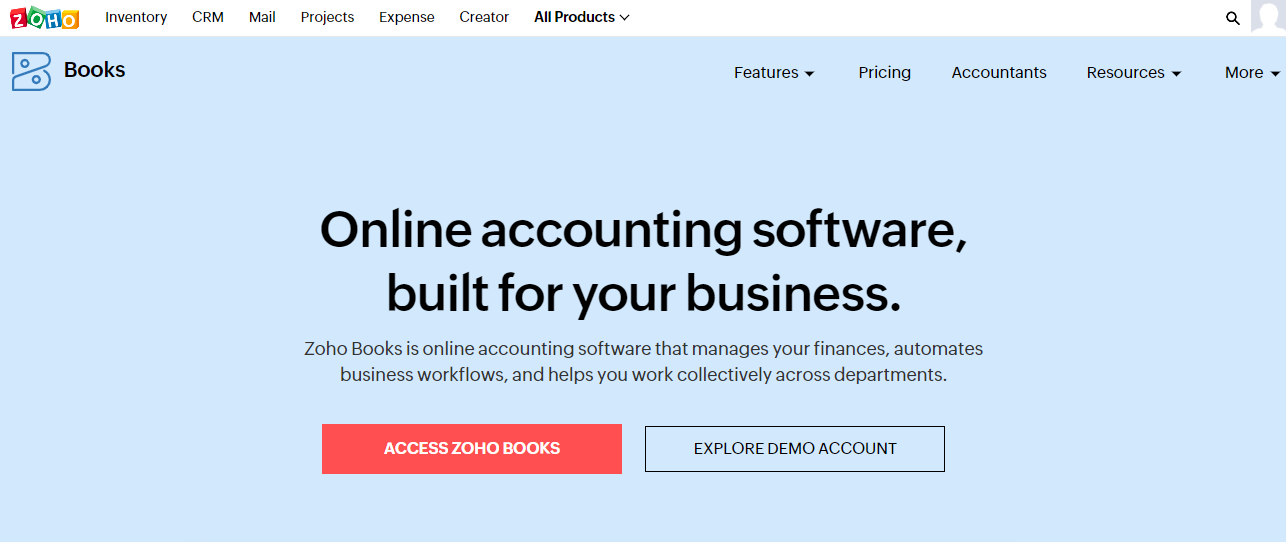
Zoho Books, a branch of Zoho’s suite of solutions, offers eBay bookkeeping software as well as integrations with other eCommerce platforms. If you want end-to-end accounting, financial management, automated workflows, and a platform that allows you to work with your teams in one place, Zoho Books might be the solution for you. Focus on your core business and let them handle the tedious accounting work.
With Zoho Books, you can:
- Add your accountant or teammates, giving them management access and viewing reports
- Access Zoho’s suite of more than 50+ apps and optimize your business management even further
- Manage accounts payable – create and send purchase orders, track payments made, upload receipts, etc.
- Manage accounts receivable – create invoices, send payment reminders, give customers payment options, etc.
- Track your inventory
- Set up bank accounts
- Import transactions without manually inputting them yourself, categorize them, and reconcile them for tax season
- Track time, manage multiple projects, consolidate and manage contacts
- Access, schedule, and customize 70+ business reports
- Do accounting on the go with their mobile app
6. Synder
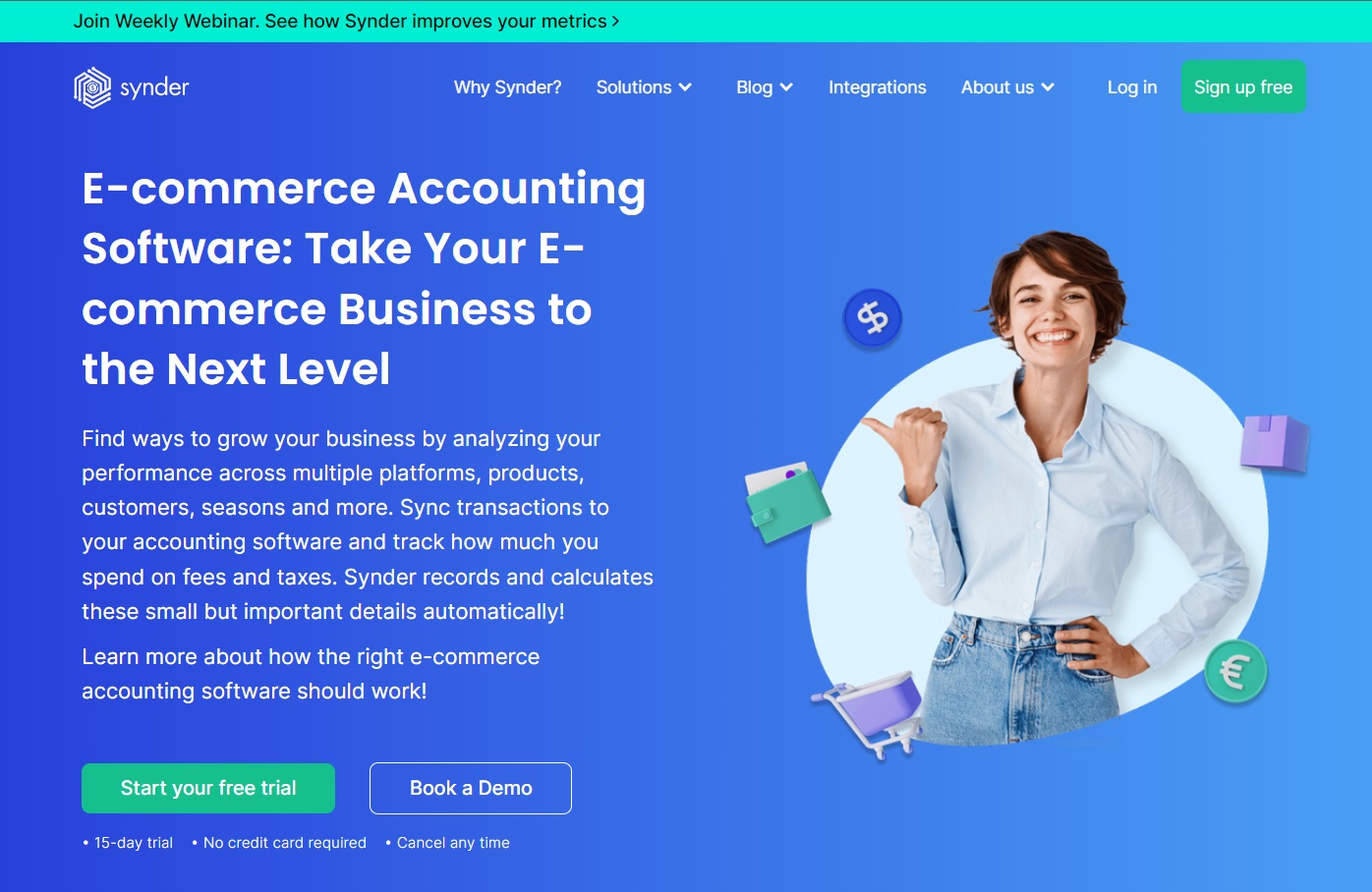
Synder is an accounting platform that offers cloud accounting solutions such as financial management automation, bookkeeping, and reporting. They automatically calculate small details that make a significant impact on your business.
Because they also cater to eCommerce platforms, their eBay accounting software gives sellers all the tools they need to make better financial decisions and scale.
With Snyder, you can:
- Analyze performance across different platforms
- Sync transactions
- Track spending on fees and taxes
- Track KPIs such as COGS and manage analytics
- Record multi-channel financials into a single system
- Access product mapping for multi-channel inventory management
- Reconcile accounts with no discrepancies
- Create reports
- Multi-currency support
Synder also employs industry-standard data encryption and is GDPR and CCPA-compliant. This means you don’t have to worry about your privacy or security.
7. a2x
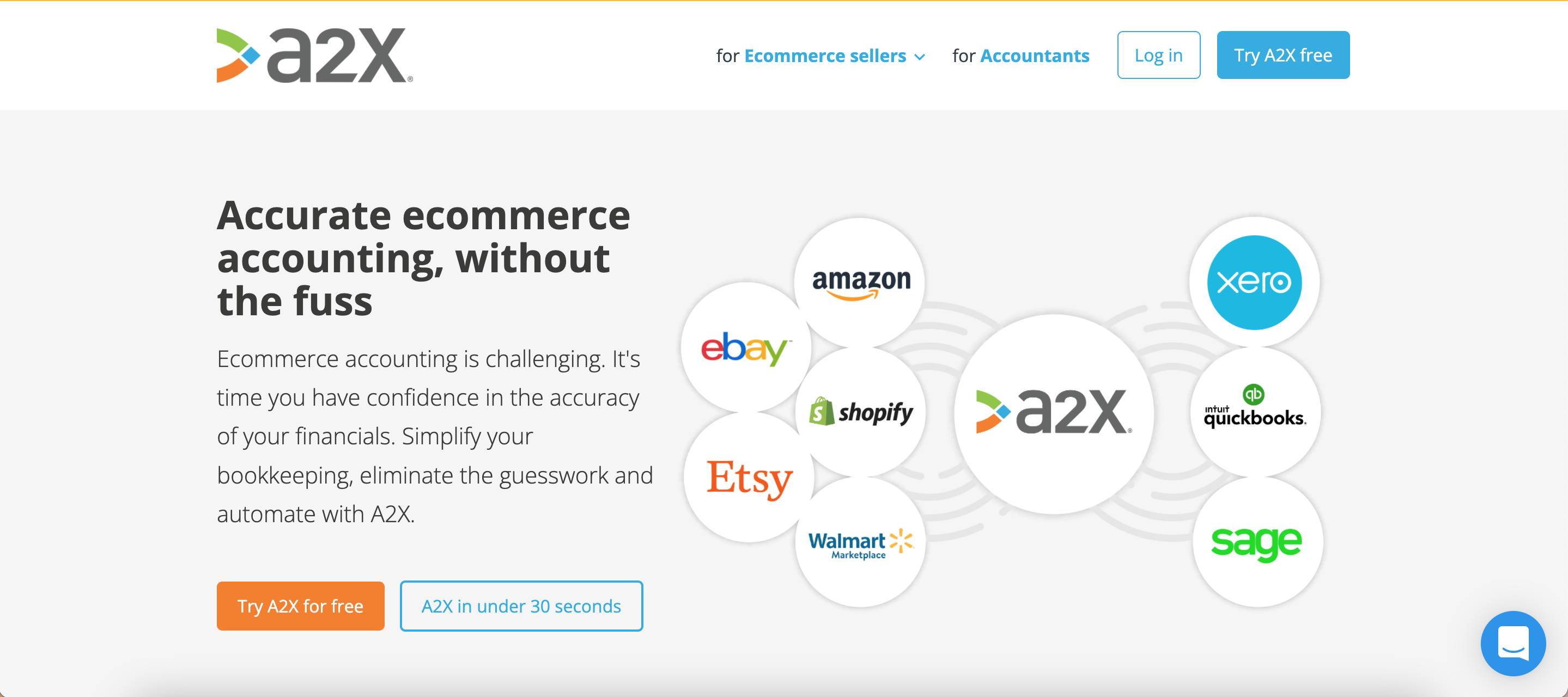
A2X is an automated eBay bookkeeping software created by eCommerce business owners for eCommerce business owners. It was created with the mindset to make eCommerce accounting easier. A2X aims to provide solutions for faster and more accurate financial reconciliation. By giving small business owners these tools, they are empowered to make better financial decisions and achieve greater success.
A2X offers:
- Financial visibility
- Easy integration with QuickBooks or Xero
- Automatic organization of summaries of sales, fees, taxes, and more for easy reconciliation
- Accurate and tax-season-ready financials
- Comprehensive financial reports and statements
- Expert eCommerce accountants and bookkeepers for full-service accounting needs or tax guidance
- Expert and round-the-clock support along the way
8. Sage
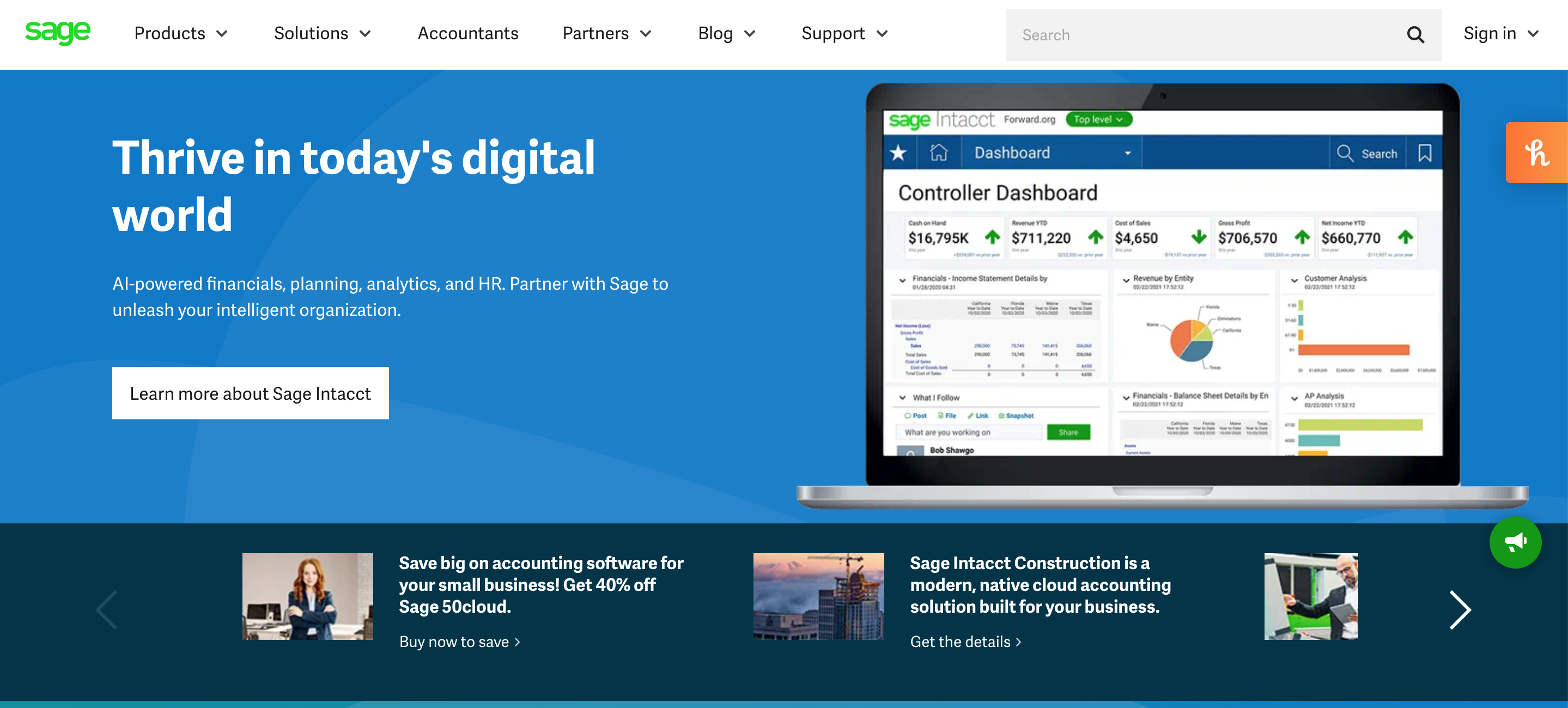
Sage offers integrated accounting, payroll, and payment solutions that are among the best in class catering to businesses of all sizes. Their cloud accounting software is easy to use, accessible anywhere the internet is available, secure, and customizable. The software is intuitive, meaning you can get set up in no time, and it has collaborative features so you can work together with your team. Their eBay bookkeeping software is also very affordable, be it a monthly or annual plan. Sage has three primary accounting solutions: Sage Intacct, Sage 50, and Sage Accounting.
With Sage, you get all the essentials:
- Customizable reports and metrics tracking
- A secure place to store your data
- Automatic data backup
- Updates on tax legislation to keep complaint
- Automatic bank reconciliation
- Invoice creation and tracking
- Accounts receivable (online payment processing, credit management)
- Accounts payable (automated invoice capture, vendor management) automation software
Other Sage solutions include:
- Inventory management
- Order management
- Purchase orders
- Time & expense management
- Billing
- Fixed assets
- Spend management
- Cash management
- Tax compliance
- Integrated accounting software
- Startup costs budget templates
9. Kashoo
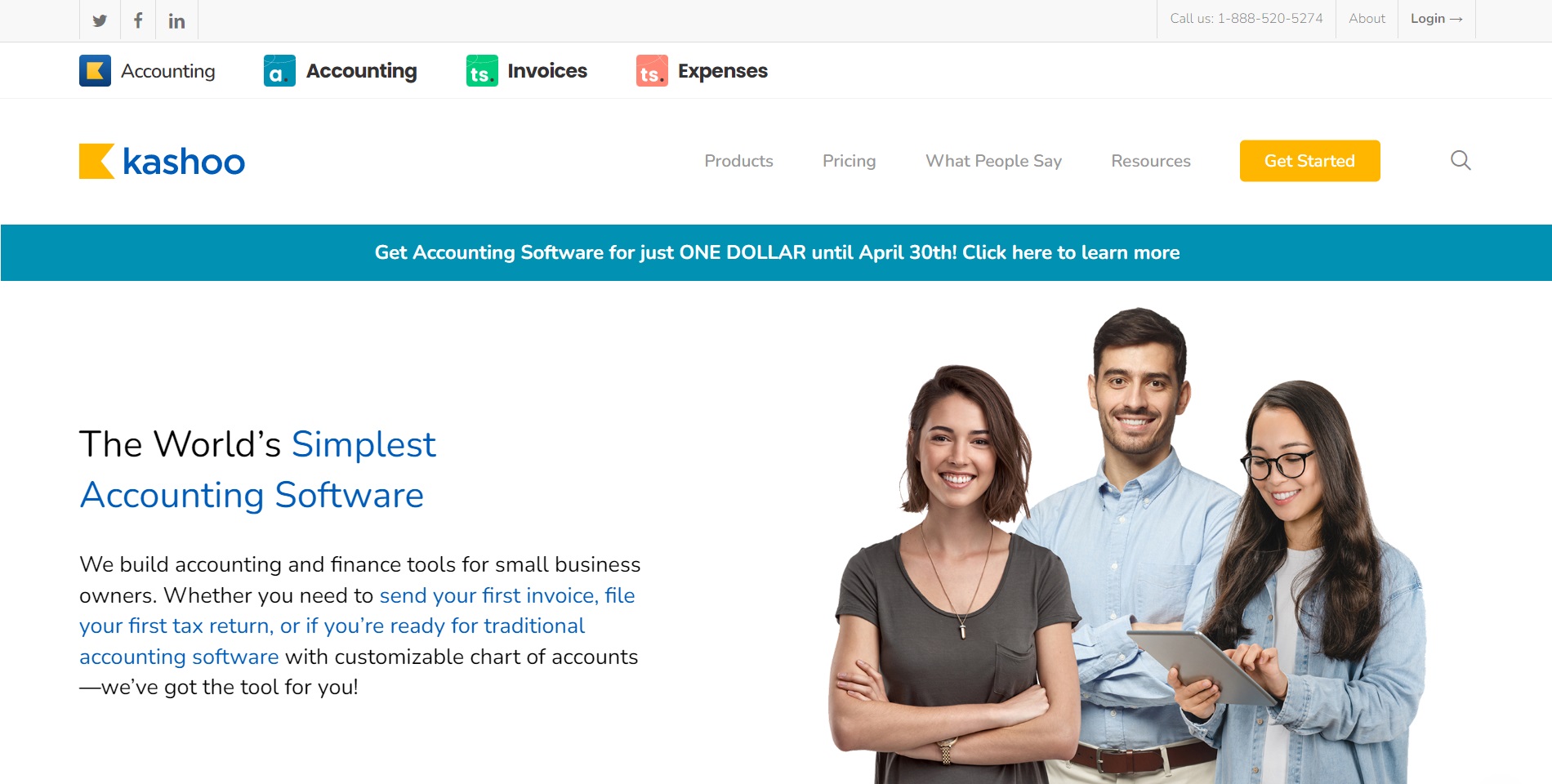
Kashoo was created when the team behind it had trouble finding a modern cloud-based accounting solution made specifically for small businesses. Today, their small team of 20 people is serving clients in over 180 countries. Their mission is to provide the financial tools with an emphasis on simplicity, focus, and clarity. The tool interface is both easy to use and accountant-friendly.
Their eBay accounting software is the simplest tool for the most essential tasks from invoicing to tax return filing, to other common accounting-related tasks. They also provide the customizations you need as a continually growing business in areas such as your Chart of Accounts and reporting.
10. Odoo
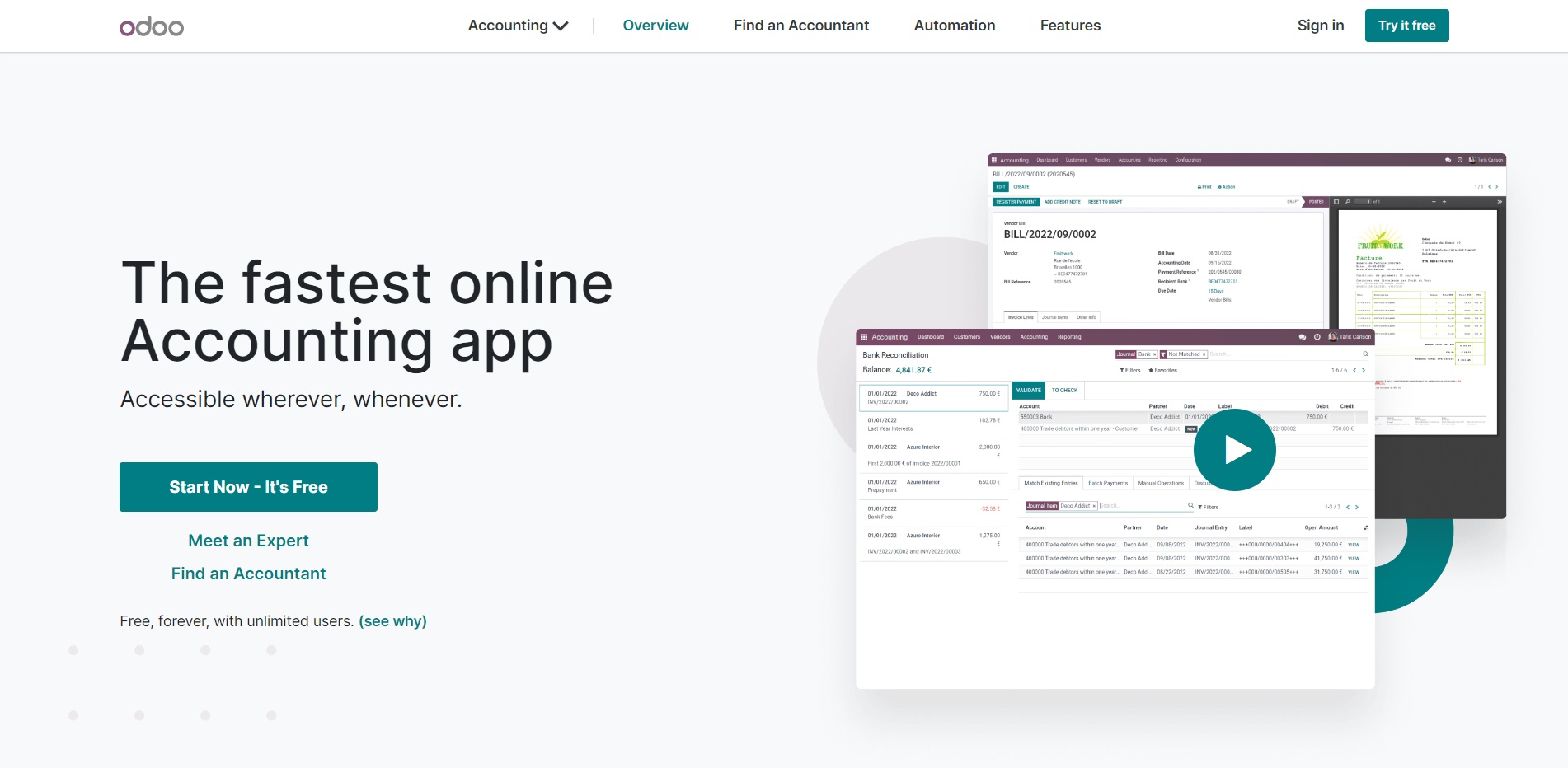
Odoo offers a toolkit of open-source business apps encompassing areas such as eCommerce, CRM, accounting, and more. Their mission is to serve eBay bookkeeping software that is both comprehensive and intuitive. They believe in the value of easy-to-use, fully integrated, and full-featured software to serve their customers.
The features of this eBay accounting software include:
- Automatic syncing of bank feeds
- Dashboard provides a single place to view and access your data
- Invoice management with customization
- AI-powered invoice digitization
- Quick online payments via a customer portal
- Multi-currency capable and batch payments
- Asset models
- Accrual and cash basis accounting
- Fiscal localized accounting which considers specific country requirements automatically
- Dynamic, limitless reports
- Compliant tax reports
- Multiple analytic plans
- Figure and budget comparisons between periods
- Create project tasks from sales orders
What Is EcomBalance?

EcomBalance is a monthly bookkeeping service specialized for eCommerce companies selling on Amazon, Shopify, Ebay, Etsy, WooCommerce, & other eCommerce channels.
We take monthly bookkeeping off your plate and deliver you your financial statements by the 15th or 20th of each month.
You’ll have your Profit and Loss Statement, Balance Sheet, and Cash Flow Statement ready for analysis each month so you and your business partners can make better business decisions.
Interested in learning more? Schedule a call with our CEO, Nathan Hirsch.
And here’s some free resources:
- Monthly Finance Meeting Agenda
- 9 Steps to Master Your Ecommerce Bookkeeping Checklist
- The Ultimate Guide on Finding an Ecommerce Virtual Bookkeeping Service
- What Is a Profit and Loss Statement?
- How to Read & Interpret a Cash Flow Statement
- How to Read a Balance Sheet & Truly Understand It
Final Thoughts on Accounting Software for eBay Sellers
There you have it! Hopefully, you know a little more about your options for eBay accounting software, and will soon be on your way to greater financial management success.